Computing Decoded
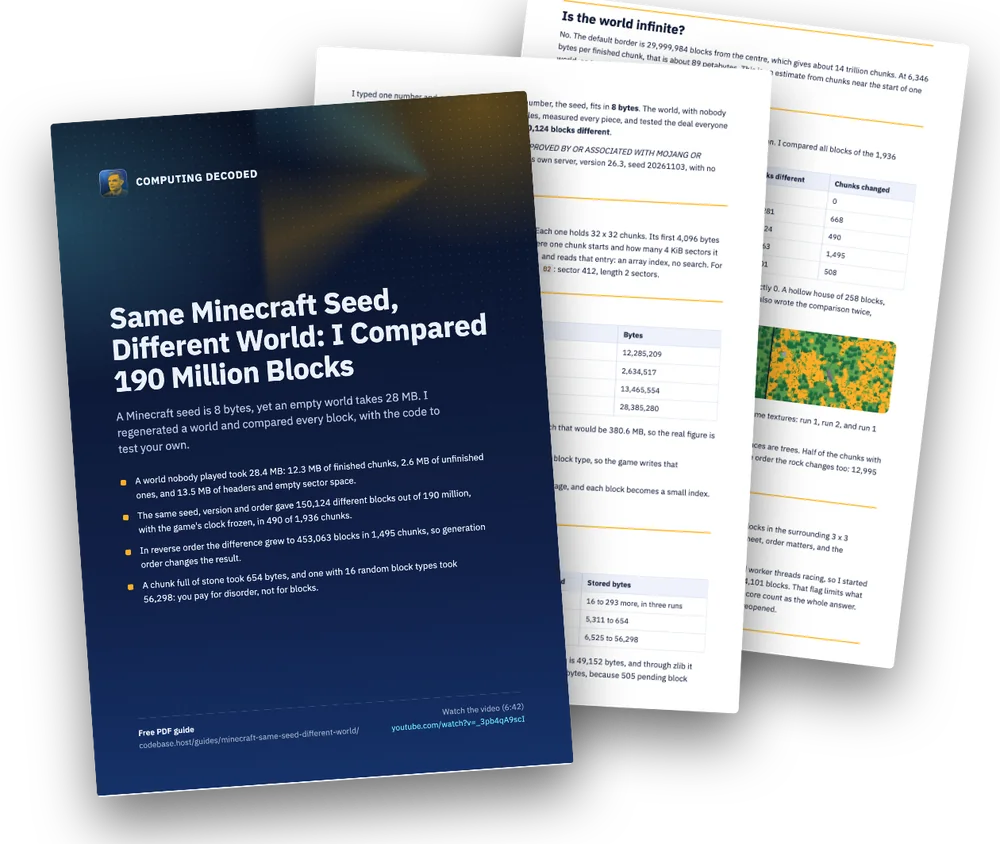
I typed one number and got a whole world. That number, the seed, fits in 8 bytes. The world, with nobody ever playing in it, took 28.4 MB. So I opened the files, measured every piece, and tested the deal everyone repeats: same seed, same world. It came back 150,124 blocks different.
NOT AN OFFICIAL MINECRAFT PRODUCT. NOT APPROVED BY OR ASSOCIATED WITH MOJANG OR MICROSOFT. All measurements come from Mojang’s own server, version 26.3, seed 20261103, with no player. All diagrams here are our own.
Inside the file
A world on disk is a folder of region files, r.X.Z.mca. Each one holds 32 x 32 chunks. Its first 4,096 bytes are a table with 1,024 entries, and each entry says where one chunk starts and how many 4 KiB sectors it takes. To find a chunk the game computes x + 32 * z and reads that entry: an array index, no search. For the chunk at (5, 3), entry 101 in my file reads 00 01 9c 02: sector 412, length 2 sectors.
Where 28 MB goes
| Part | Bytes |
|---|---|
| 1,936 finished chunks | 12,285,209 |
| 2,420 unfinished chunks around them | 2,634,517 |
| Headers and empty space in sectors | 13,465,554 |
| Region files in total | 28,385,280 |
The finished chunks hold 190,316,544 blocks. At 2 bytes each that would be 380.6 MB, so the real figure is 31 times smaller, without losing anything. Three ideas do it:
- Uniform sections. 62.1% of 46,464 sections hold a single block type, so the game writes that block once.
- Palettes. A busier section lists its block types, 11.5 on average, and each block becomes a small index.
- zlib. It shrinks chunk data 6.9 times more on its own.
You pay for disorder
I changed real chunks and measured the stored bytes:
| Change | Blocks changed | Stored bytes |
|---|---|---|
| A small hollow house | 258 | 16 to 293 more, in three runs |
| The whole chunk to stone | 86,917 | 5,311 to 654 |
| The whole chunk to 16 random block types | 97,508 | 6,525 to 56,298 |
Random indexes have nothing for zlib to exploit: the block data alone is 49,152 bytes, and through zlib it becomes 49,173. Saving a stone chunk right after the fill gave 2,623 bytes, because 505 pending block updates are stored too.
Is the world infinite?
No. The default border is 29,999,984 blocks from the centre, which gives about 14 trillion chunks. At 6,346 bytes per finished chunk, that is about 89 petabytes. This is an estimate from chunks near the start of one world, so treat it as an order of magnitude.
The experiment
Same seed, same version, same server, same order of generation. I compared all blocks of the 1,936 chunks finished in both worlds.
| Comparison | Blocks different | Chunks changed |
|---|---|---|
| World against itself | 0 | 0 |
| Second run | 177,281 | 668 |
Second run, clock frozen with tick freeze |
150,124 | 490 |
| Reverse order, clock frozen | 453,063 | 1,495 |
| Same order, clock frozen, one reported core | 144,101 | 508 |
To trust the tool I ran two controls. A world against itself gives exactly 0. A hollow house of 258 blocks, built with the clock frozen, shows up as exactly 258 in its chunk. I also wrote the comparison twice, separately, and both give identical numbers.

These maps are drawn from the block data in our own colours, not game textures: run 1, run 2, and run 1 with every column whose top block differs in amber.
Most of the world matched: 99.92% of the blocks. 71% of the differences are trees. Half of the chunks with many trees changed, against 6.9% of the chunks with none. In reverse order the rock changes too: 12,995 blocks of andesite became diorite.
What explains it, and what does not
The Minecraft Wiki says features are written in a later pass, can place blocks in the surrounding 3 x 3 chunks, and can spill into chunks already decorated. So where chunks meet, order matters, and the reverse-order run confirms that it does.
What I could not explain is why the same order still differs. I suspected worker threads racing, so I started the server with -XX:ActiveProcessorCount=1, and it still differed by 144,101 blocks. That flag limits what Java reports, so it does not prove a single thread ran, but it does rule out core count as the whole answer. Mojang’s tracker has this as MC-55596, opened in 2014, confirmed and reopened.
Test your own world
Save this as compare.mjs. It needs only Node. Close the game first, and compare two copies of a world folder.
// Compare two Minecraft Java worlds block by block. No dependencies, Node 18 or newer.
// Usage: node compare.mjs <world-a>/region <world-b>/region
// Newer versions keep the overworld in dimensions/minecraft/overworld/region.
import {readdirSync, readFileSync} from 'node:fs';
import zlib from 'node:zlib';

// Minimal NBT reader: chunks are big-endian tagged trees.
function readNbt(b) {
  let p = 3 + b.readUInt16BE(1); // skip the root tag and its name
  const take = (n) => { const v = b.subarray(p, p + n); p += n; return v; };
  const read = {
    1: () => take(1).readInt8(), 2: () => take(2).readInt16BE(), 3: () => take(4).readInt32BE(),
    4: () => take(8).readBigInt64BE(), 5: () => take(4).readFloatBE(), 6: () => take(8).readDoubleBE(),
    7: () => take(read[3]()), 8: () => take(take(2).readUInt16BE()).toString('utf8'),
    9: () => { const t = read[1](), n = read[3](), out = []; for (let i = 0; i < n; i++) out.push(read[t]()); return out; },
    10: () => { const o = {}; for (;;) { const t = read[1](); if (t === 0) return o; o[read[8]()] = read[t](); } },
    11: () => { const n = read[3](), out = []; for (let i = 0; i < n; i++) out.push(read[3]()); return out; },
    12: () => take(read[3]() * 8),
  };
  return read[10]();
}

// A block state as one comparable string: name plus its sorted properties.
// Version 26.3 mixes three shapes in one palette: "minecraft:stone", {"": "minecraft:stone"} and {id, properties}. Older versions use {Name, Properties}.
const stateName = (s) => {
  if (typeof s === 'string') return s + '[]';
  const props = s.Properties ?? s.properties ?? {};
  return (s.Name ?? s.id ?? s['']) + JSON.stringify(Object.keys(props).sort().map((k) => [k, props[k]]));
};

// One section's 4,096 blocks. Indexes never cross a 64-bit long, lowest bits first.
function blocksOf(section) {
  const bs = section.block_states;
  if (!bs) return null;
  const names = bs.palette.map(stateName);
  if (names.length === 1) return new Array(4096).fill(names[0]);
  const bits = Math.max(4, Math.ceil(Math.log2(names.length))), perLong = Math.floor(64 / bits);
  const mask = (1n << BigInt(bits)) - 1n, out = new Array(4096);
  for (let i = 0; i < 4096; i++) {
    const long = bs.data.readBigUInt64BE(Math.floor(i / perLong) * 8);
    out[i] = names[Number((long >> BigInt((i % perLong) * bits)) & mask)];
  }
  return out;
}

// Every finished chunk of a region folder, keyed by its position.
function chunksOf(dir) {
  const chunks = new Map();
  for (const file of readdirSync(dir).filter((f) => f.endsWith('.mca'))) {
    const buf = readFileSync(`${dir}/${file}`);
    for (let i = 0; i < 1024; i++) { // the header: entry i is the chunk x + 32 * z of this region
      const offset = buf.readUIntBE(i * 4, 3) * 4096;
      if (!offset || buf[i * 4 + 3] === 0) continue;
      const length = buf.readInt32BE(offset);
      if (buf[offset + 4] !== 2) continue; // 2 = zlib, the default
      const nbt = readNbt(zlib.inflateSync(buf.subarray(offset + 5, offset + 4 + length)));
      if (String(nbt.Status ?? nbt.status).endsWith('full')) chunks.set(`${nbt.xPos},${nbt.zPos}`, nbt);
    }
  }
  return chunks;
}

const [dirA, dirB] = process.argv.slice(2), A = chunksOf(dirA), B = chunksOf(dirB);
let blocks = 0, different = 0, chunksCompared = 0, chunksChanged = 0;
for (const [key, a] of A) {
  const b = B.get(key);
  if (!b) continue;
  chunksCompared++;
  const sectionsB = new Map(b.sections.map((s) => [s.Y, s]));
  let here = 0;
  for (const s of a.sections) {
    const x = blocksOf(s), y = sectionsB.has(s.Y) ? blocksOf(sectionsB.get(s.Y)) : null;
    if (!x || !y) continue;
    blocks += 4096;
    for (let i = 0; i < 4096; i++) if (x[i] !== y[i]) here++;
  }
  different += here;
  if (here) chunksChanged++;
}
console.log({chunksCompared, blocks, different, chunksChanged});
node compare.mjs world-a/region world-b/regionTo make two comparable worlds, use the same seed and version, load the same area, and on a server run tick freeze first so nothing simulates.
What it means
A seed is a world, plus the exact code that reads it, plus the order things happened to run in. Your save is not a cache of something the game could recalculate: it is the only record of how your world came out. If a save gets too big, trimming chunks you never visited is reasonable. If you care about a place, keep the file.
Glossary
- Seed
- The 64-bit number a world generator starts from.
- Chunk
- A column of the world, 16 x 16 blocks wide and 384 tall in the overworld, saved as one unit.
- Section
- A 16 x 16 x 16 cube of a chunk. A chunk has 24 of them.
- Palette
- The short list of block types one section uses. Each block stores a small number pointing into it.
- Region file
- One .mca file holding 32 x 32 chunks, with a table of 1,024 entries at its start.
- Sector
- A 4 KiB piece of a region file. Every chunk takes a whole number of sectors.
- Feature
- Something placed after the land is shaped, such as a tree or an ore vein. It can write into the surrounding chunks.
- tick freeze
- A server command that stops the game clock: no random ticks, weather or falling blocks.
Practice
Try these before opening the answers.
Which entry of the region table holds the chunk at x = 5 and z = 3?
5 + 32 x 3 = 101.
A section uses 16 block types. How many bytes do the block indexes take?
16 types need 4 bits. 4,096 x 4 / 8 = 2,048 bytes, plus the palette.
Why can zlib not shrink a section of uniformly random block indexes?
Random data has no repeats to exploit. In my test 49,152 bytes became 49,173 bytes through zlib alone.
What result would have shown that the differences come from simulation, not generation?
Two frozen-clock worlds coming back identical. They did not: they differed by 150,124 blocks.
Frequently asked questions
Does the same Minecraft seed always give the same world?
Nearly, but not exactly. In my test 99.92% of the blocks matched, with the same seed, version and order. Coastlines and mountains came back the same, while trees and some rock did not. Mojang's bug tracker lists this as MC-55596.
Why does an empty Minecraft world take space at all?
The game saves the terrain it generates, not only what players change. Chunks near a loaded area are stored, finished or not, and each one is rounded up to 4 KiB sectors.
Can I delete chunks and regenerate them from the seed?
You can, and it saves space. But they will not come back exactly as they were, even on the same version, and an update can change them more. Keep the file for places you care about.
Is the Minecraft world infinite?
No. The default world border is 29,999,984 blocks from the centre. That is about 14 trillion chunks, which I estimate at about 89 petabytes if all were saved at the size I measured.
Do these numbers come from Minecraft itself?
Yes. They come from Mojang's own server, version 26.3, with no player. The video's background footage comes from VoxeLibre and Mineclonia, two different free games, and it is labelled that way.
Keep this guide: free PDF
9 pages with the diagrams, the code, a glossary and practice questions, ready to print or save.
Free, 9 pages. The email is optional: leave it empty and the PDF downloads anyway. If you add it, I send new guides and nothing else. Privacy